Commercial VPNs route your traffic through the provider's servers. They cannot give you access to your own home network. If that is what you need, to reach your NAS, your cameras, your home server while travelling, a personal VPN is the right architecture and it is a different product category entirely.
I never used a VPN by choice. It was always because I had no better option. An airport, a hotel network, somewhere that felt sketchy enough that I'd open the app before connecting.
And even then, something always bothered me. The whole pitch is that you're protecting your traffic. But the traffic goes through their servers. Whoever runs those servers can see it. They tell you they keep no logs. You have no way to verify that. You're not solving a trust problem. You're just moving it somewhere less visible.
I tried a few providers over the years. There was always something: speeds that tanked, apps that broke, connection drops at the worst moment. You put up with it because what else are you going to do.
Then I started building vploq, and the question I'd been half ignoring became impossible to avoid: why am I paying a company I don't trust, every month, for a service that routes my traffic through hardware I've never seen?
The VPN concept is sound. Encrypted tunnel, private connection. That's genuinely useful. The problem was never the concept. It was who was running it.
If the device is yours, and the keys never leave it, you don't need to trust anyone else. That's the whole idea.
The VPN business model, explained honestly
Every commercial VPN runs on the same architecture. Your traffic, which normally travels from your device through your ISP to its destination, takes a detour. It leaves your device encrypted, arrives at a server the VPN company owns, gets decrypted there, and continues to where it was going. The VPN company now sees everything your ISP used to see.
The pitch is that you are moving trust. Instead of trusting your ISP, you trust the VPN provider. For people in countries with invasive state surveillance, for journalists in hostile environments, this trade can make sense. For most people who subscribed after a YouTube ad, the trade is harder to evaluate.
The problem is structural. A VPN company that genuinely keeps no logs cannot prove it to you. An audit can verify that no logs existed at the time of the audit. It cannot verify what happened the week before, or what will happen if a government agency arrives with a legal order the company is prohibited from disclosing.
"No logs" is a promise. Trust is not auditable at the moment it matters most.
What "no logs" actually means
The phrase has been stretched so far across the industry that it barely means anything. Some providers who advertise "no logs" keep connection metadata: timestamps, IP addresses, session durations. Others have been caught logging data they claimed not to log, usually exposed by a law enforcement disclosure that contradicted their marketing.
This is not because VPN companies are dishonest by nature. It is because the business pressure to claim "no logs" is enormous, and actually enforcing that claim across all systems, in all jurisdictions, permanently, is significantly harder than making the promise.
There is also a question "no logs" simply does not answer: where does your traffic go after it leaves the VPN server? Through the provider's network. To the internet. From the provider's IP address. Your ISP no longer sees the traffic. The VPN company's upstream provider does. The websites you visit see the provider's servers. The privacy guarantee is partial, even in the best case.
The thing I did not understand about VPNs
This is the insight that changed everything.
I had been using a commercial VPN for two years when I set up a NAS at home. I wanted it for travel: files accessible from hotel rooms, cameras I could check remotely, a local server I could reach without exposing it to the internet.
I turned on my VPN and tried to connect to the NAS.
Nothing.
I tried again. Still nothing. It took me ten minutes to understand why.
When you connect to a commercial VPN, your traffic exits to the internet from the provider's server. Your home network is not reachable from there. Commercial VPNs connect you to the provider's network. They do not connect you to your own.
This is not a bug. It is the fundamental architecture of what a commercial VPN is. The traffic exits the provider. Your home is not the provider.
The only way to reach your home devices remotely is to create a tunnel that terminates at your actual home router. Your home has to be the endpoint. Once I understood this, the shape of what needed to be built became clear.

The DIY path and what it actually costs
The technical solution is well documented. Install WireGuard on a Raspberry Pi at home. Configure it as a server. Generate key pairs. Open a port on your router. Configure clients on every device you want to use remotely.
I did this. The setup took most of a Saturday. Not because it is difficult — because there are many pieces that all need to be right simultaneously: dynamic IP address handling, NAT traversal, port forwarding rules, key management.
It worked. For about six weeks.
Then my ISP reassigned my IP address while I was in a hotel. Connection broken. An hour of troubleshooting via mobile hotspot. Then a router firmware update reset the port forwarding. Another hour. Then the Pi's SD card failed eight months in. I rebuilt everything from memory.
The actual cost of self-hosting is not the initial setup. It is the maintenance across disruptions you cannot predict, always at the worst possible time.
For people who enjoy this kind of maintenance, it is the right solution. For everyone else, including many technical people who simply do not want another system to babysit, the friction is higher than it looks from the outside.
How vploq works differently
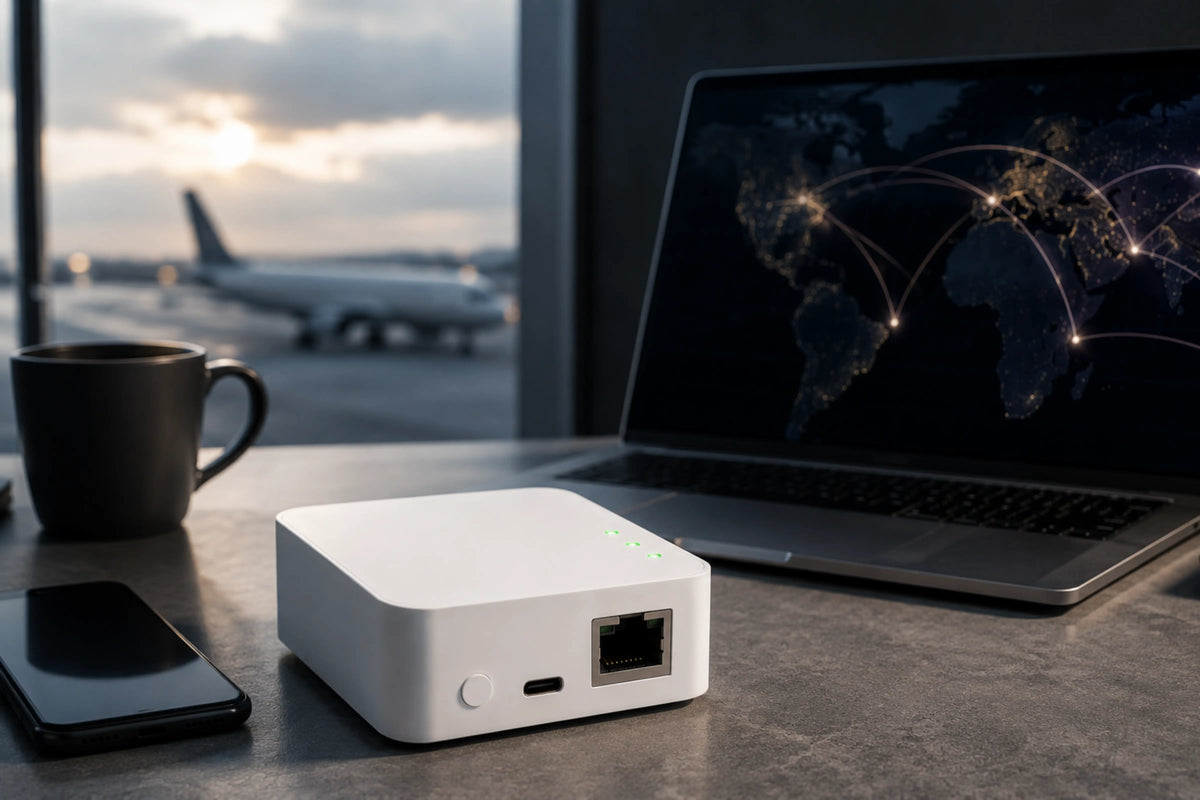
vploq is a small dedicated device that fits in your hand and plugs into your home router via Ethernet. It runs vploq OS, built on Linux, with a customised WireGuard protocol at its core. Setup takes about two minutes through the app.
Our coordinator handles provisioning and helps your clients find the device. After that, your phone or laptop talks directly to the vploq device at home. The device handles NAT traversal automatically. No port forwarding, no router configuration needed.
The private key is generated inside a dedicated hardware security chip and never leaves it.
When you leave home, you open the app and connect. Your home network is available as if you were sitting at it. Traffic is encrypted end to end.
249USD, one time purchase. No subscription. Firmware updates for five years.
Commercial VPN vs personal VPN vs DIY
These are three different tools solving three different problems.
Commercial VPN: Your traffic exits through the provider's servers. Useful for hiding from your ISP, appearing to be in another country. Cannot give you access to your own home network. Monthly subscription.
DIY setup: Connects you back to your own home network. Free to run. Requires technical setup, port forwarding knowledge, and ongoing maintenance every time something breaks. The right answer for people who enjoy that kind of work.
vploq: Connects you back to your own home network. No technical setup. No port forwarding. No maintenance. Private key stored in a hardware chip that no software can read. 249 USD once, no subscription.

What vploq does not do
I want to be direct about the limits.
vploq does not hide your browsing from your ISP. When you connect through vploq, your traffic exits through your home internet connection. Your ISP sees traffic originating from your home IP. This is by design, not a flaw.
vploq does not make you appear to be in a different country. It connects you to your home. From the perspective of every service you visit, you are coming from your home IP address. If you want to appear to be somewhere else, vploq is not the right product.
vploq does not work if you have no home network worth connecting back to. If you live somewhere without the devices or services you want to access remotely, the value proposition does not apply.
These are worth stating directly because some people reading this are trying to solve one of those problems. I would rather tell you clearly that this is the wrong product for that than have you buy it and be disappointed.
Who this is actually for
If any of these describes you, vploq is built for your situation:
- You have a NAS, home server, or security cameras you want to access while travelling
- You use public Wi-Fi regularly and want your traffic encrypted without trusting a VPN provider
- You tried DIY WireGuard and found the maintenance more trouble than it was worth
- You pay for a commercial VPN but it cannot give you access to your own home devices
- You want the security properties of self-hosting without the ongoing technical overhead
If you are trying to appear to be in a different country, hide from your ISP, or access content you do not have a subscription to: a commercial VPN is the more appropriate tool, and the review sites that compare them are the right starting point.
On building this in public
I am the founder of vploq. I have an obvious interest in your deciding to buy it. The response I have chosen to that conflict is to be as specific as possible about what the product does and does not do, rather than leaning on vague privacy promises.
We cancelled our own commercial VPN subscriptions when we started building vploq. Not as a marketing exercise. Because once you understand what you actually need, the choice becomes straightforward.